
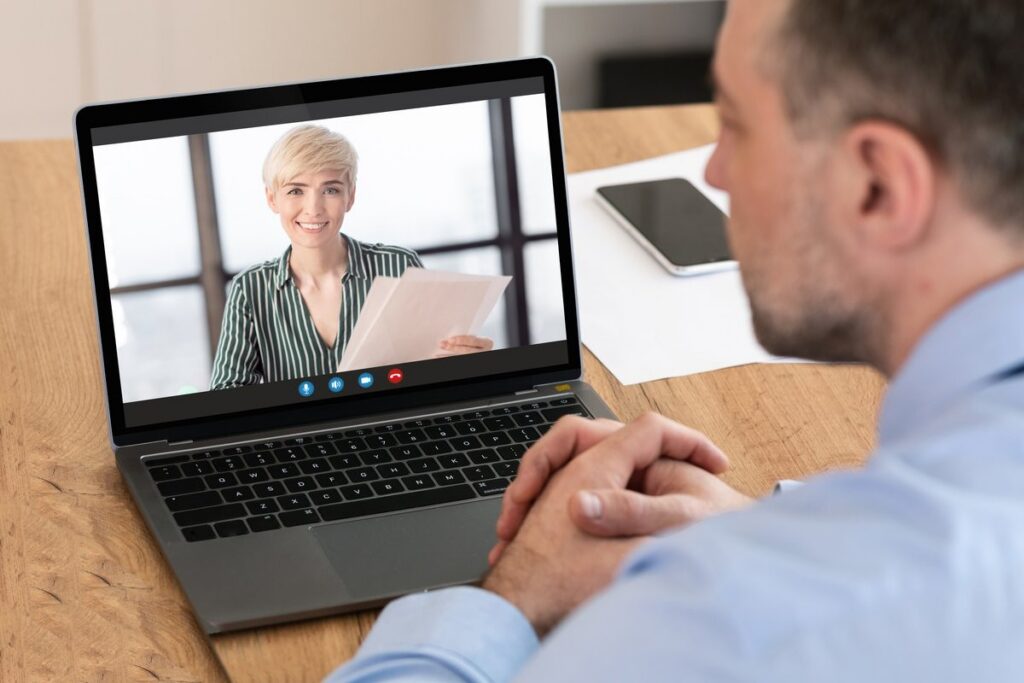
For most of the engineering and manufacturing roles I recruit for, the first interview now happens on screen. Hiring managers use video to meet more candidates, more quickly, and then decide who they want to see in person.
That makes the video interview the stage where shortlists are won and lost. I’ve been preparing technical candidates for interviews since 1998, and these are the tips I share most often.
Prefer a PDF? Get the full Video Interview Guide free, with example questions, a STAR example from manufacturing and advice for interviews that include screen sharing or a technical test.
1. Get the Tech Right Before the Day
When a video interview gets off to a bad start, the technology is often to blame rather than the candidate.
- Find out which platform you’ll be using (Microsoft Teams, Zoom or Google Meet) and download anything you need in advance.
- Use a laptop or PC rather than your phone, and raise the camera to eye level with a few books.
- Do a practice call with a friend a couple of days before.
- Switch your computer on 15 minutes early, so a Windows update doesn’t start as you’re about to join.
- Keep the interviewer’s or your recruiter’s number to hand in case the call drops.
2. Think About What the Camera Sees
Sit facing a window or lamp, not with a bright light behind you. Choose a plain, tidy background, or use background blur if your room is busy. Dress as you would for an in-person interview, head to toe, and turn off phone and email notifications.
3. Know the Difference Between Live and One-Way Interviews
Most video interviews are live conversations with the hiring manager, so prepare exactly as you would face to face.
Some larger employers also use pre-recorded, or one-way, interviews as a first screen. You record answers to questions shown on screen, often against a timer, and some platforms use AI to help score them. Use the practice question, look at the camera and give clear, well-structured answers.
4. Structure Your Answers with STAR
For questions about your experience, use the STAR method:
- Situation: set the scene briefly
- Task: what you were responsible for
- Action: what you did
- Result: the outcome, with a number if you can
Prepare four or five STAR examples covering your main technical achievements, a problem you solved, teamwork and working under pressure.
5. Communicate Well on Camera
Look at the camera when you speak, not at the interviewer’s face, and move the video window just below your camera so the two are close together. Allow for the slight delay by pausing before you answer. Keep answers to one or two minutes, because interviewers on video are often reluctant to interrupt.
6. Use Notes as Prompts, Not a Script
A few short notes beside your screen are fine. Glance at them, but never read answers out. Interviewers can tell, and it suggests you don’t know your own experience.
7. Sign Off Well
There’s no handshake at the end of a video call, so thank the interviewer, say you’re interested in the role and smile. Then let your recruiter know how it went while it’s fresh.
Free Video Interview Checklist
Want something to work through before your interview? Download my free one-page Video Interview Checklist (PDF).
Get the Full Guide
The Ultimate Guide to Your Successful Video Interview covers all of this in more detail, with example questions, a STAR example from manufacturing, questions to ask the interviewer and advice for engineering interviews that include screen sharing or technical tests.
Get your free copy of the full guide
Next Steps to Take
Preparing for a face-to-face interview too? Read The Ultimate Guide to a Successful Interview.
Looking for your next engineering, technical or operations role? Book a confidential career chat or call 01727 221276.